Quick test and free trial - try NFleet in practice
To quickly test NFleet and create your first plan in minutes just follow the steps in the video. Once you have created your own demo then you can edit and enhance the input task and vehicle data to create actual real plans.
Watch video (2 min) Start quick test
You can also choose to upgrade to free trial for two weeks with full capacity of NFleet. See further down for more details.
Practical example (12 min) Start free trial
Quick guide
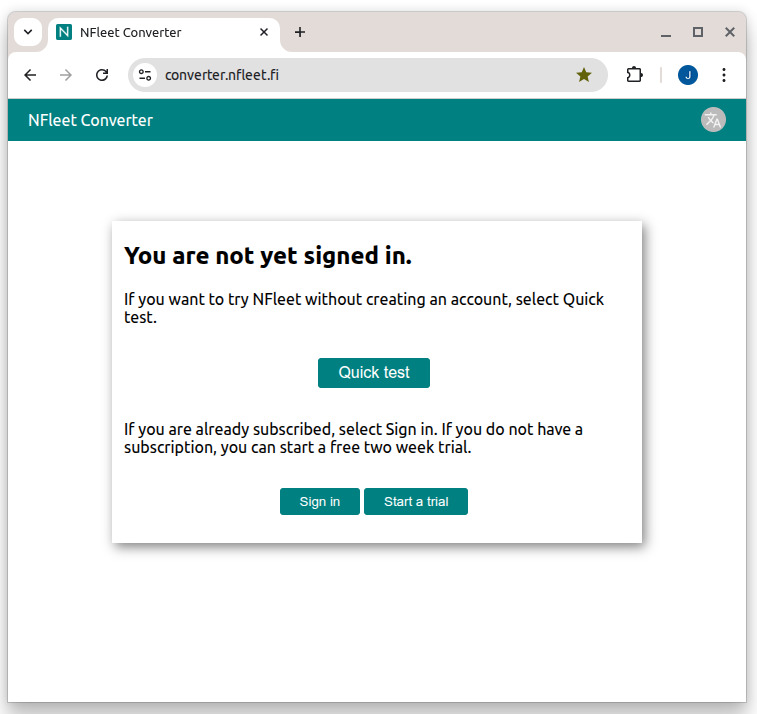
Open the Converter at https://converter.nfleet.fi/ (in a new window). Click "Quick test" to use NFleet as a guest user. Notice also the language selector button at the top right corner.
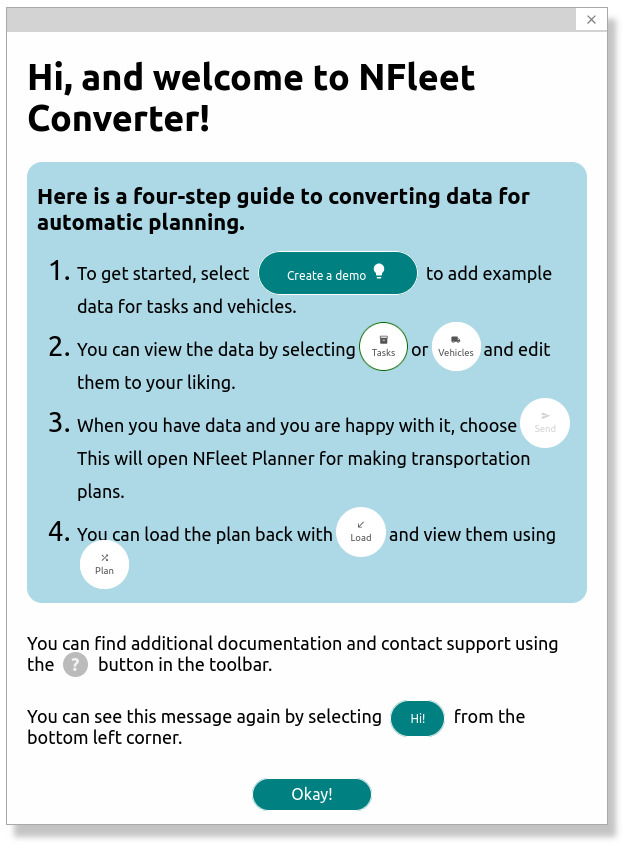
After 10...15 seconds you will see the summary of all key functions you need to know and use.
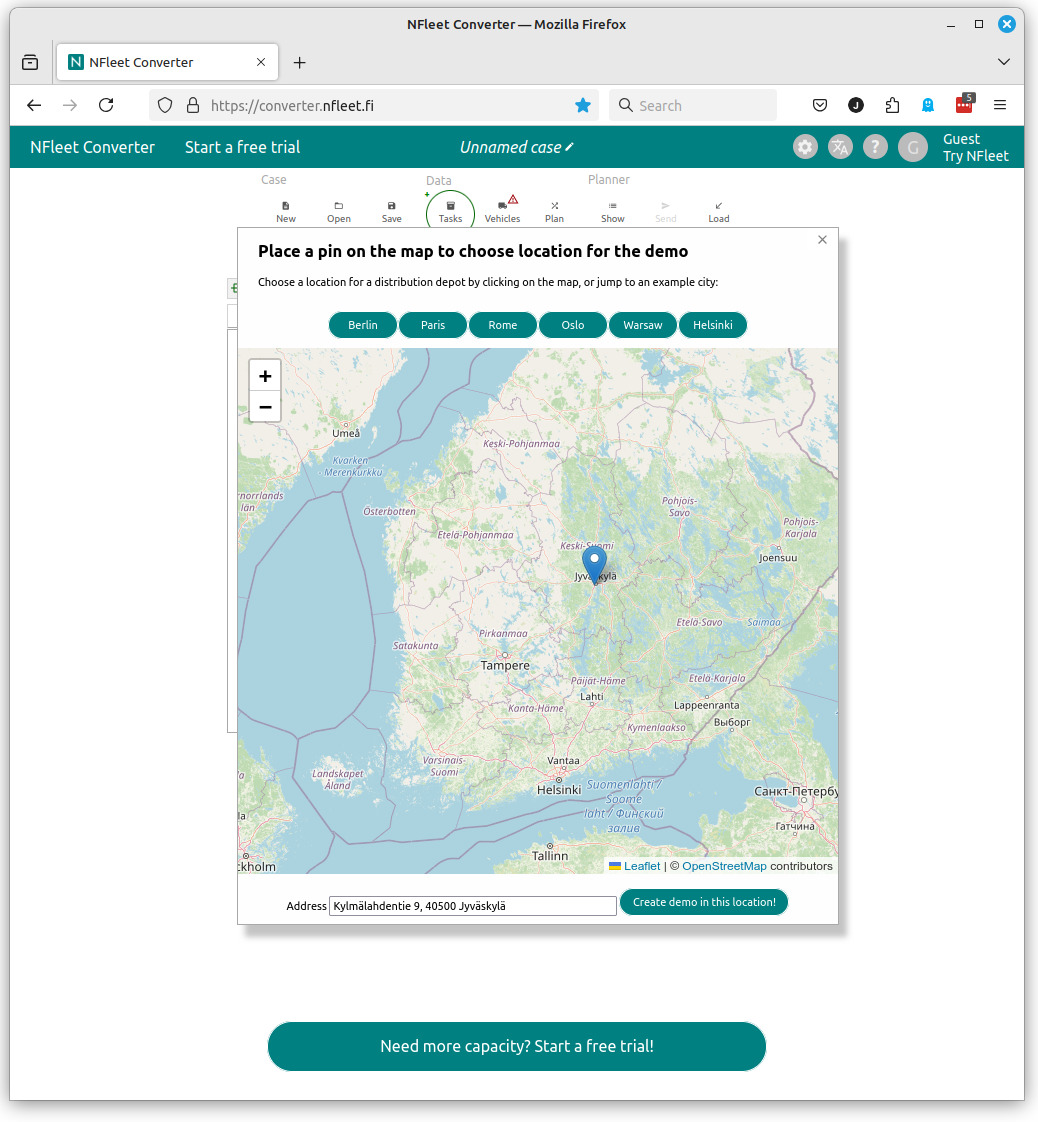
Click "Create demo" and you will be able to set the start location for the demo data. Use zoom-in and drag-and-drop and click "Create demo in this location".
Once you have demo data created you can send it to Planner for optimization. Click "Send" and Planner will open with your data.
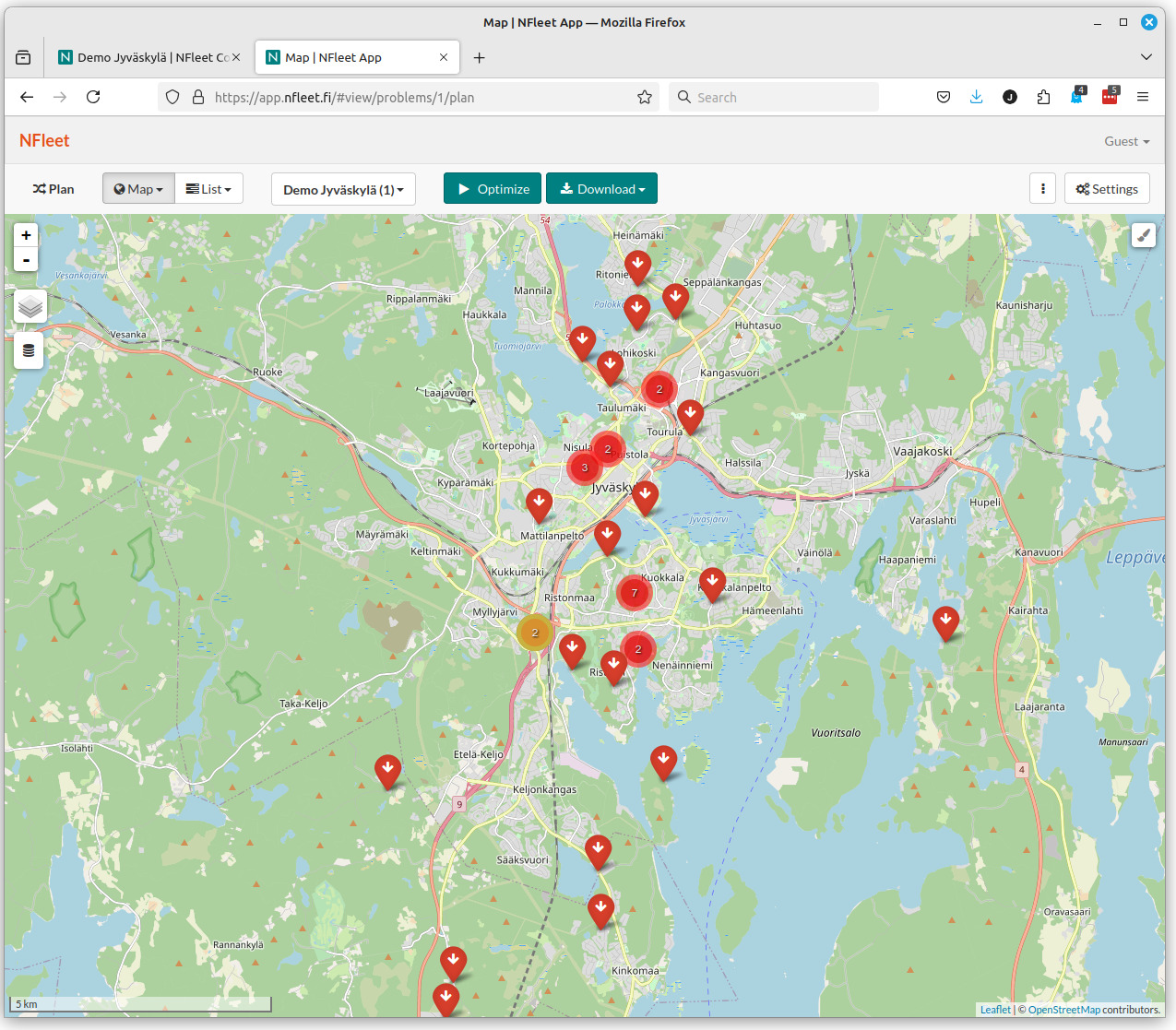
Click "Optimize" to start the computation. When you are ready go back to Converter and click "Load" to get the results back to Converter and for further use.
Quick test vs. free trial
In all cases full functionality of the system is available for use. However, in testing limited number of transportation tasks (50) and vehicles (3) are available but the systen can be used as often as wanted. The data is kept stored for few hours, only. So next time the system is tested the previous data is unlikely to be available.
In trial use the full capacity of the system can be utilized but for a limited time (2 weeks). A free trial subscription is required in form of a functional email address. The planning data can be stored and accessed during the trial and also later if a paid subscription is purchased.